Sign up and sign in
Signing up
Open console.nexgpu.net. Signed out, you land on the sign-in page — click "Don't have an account? Sign up" below the form.
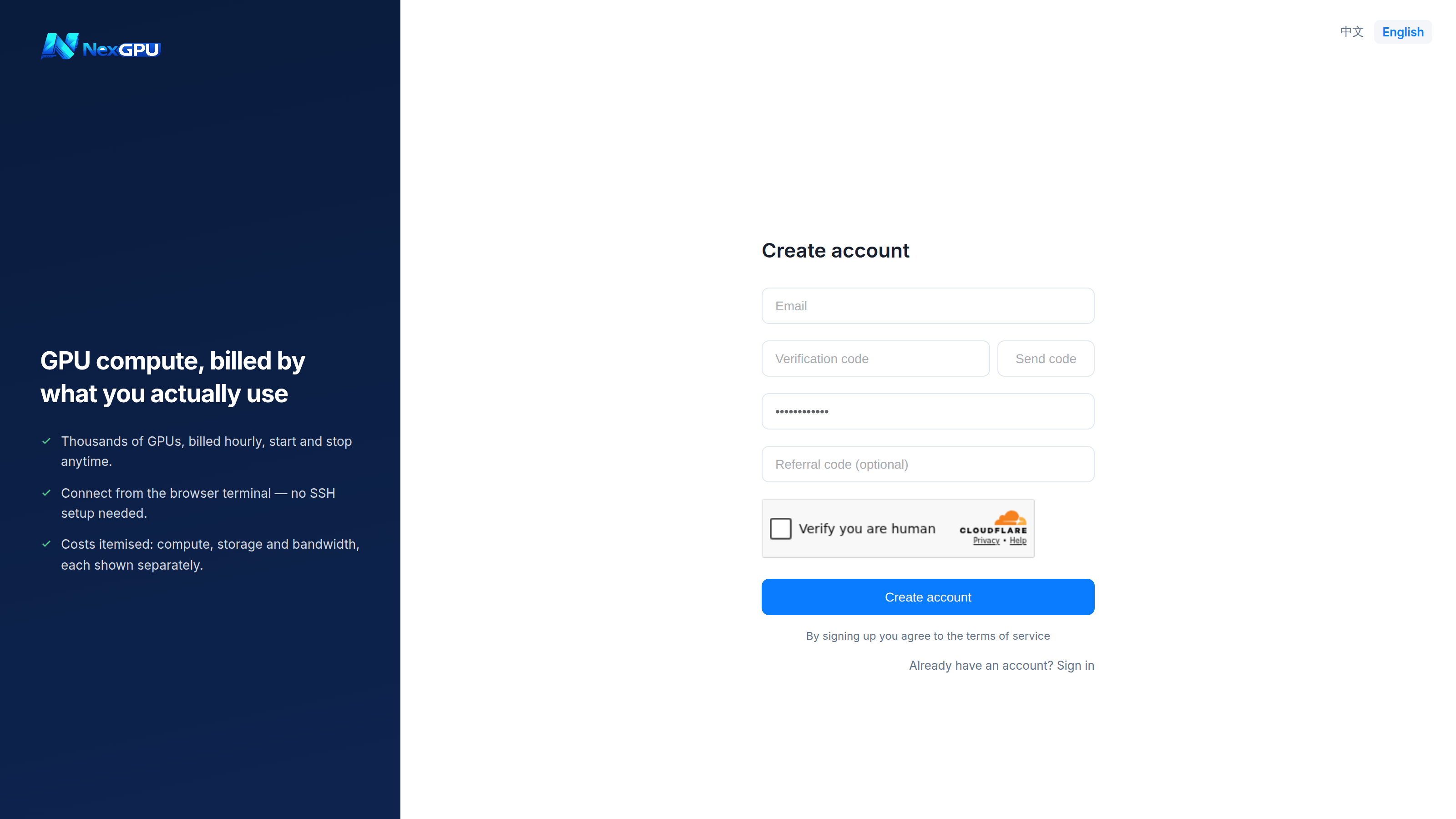
Four fields:
| Field | Notes |
|---|---|
| Receives verification codes, low-balance warnings and instance notifications. Use one you check. | |
| Verification code | Sent after clicking "Get code"; resendable after 60 seconds. |
| Password | At least 8 characters. |
| Referral code | Optional. Usually filled in automatically if you arrived via someone's invite link. |
Signing up means accepting the Terms of Service.
:::tip No code arriving? Check spam first. Still nothing — try a different address, or message Telegram support. :::
Signing in
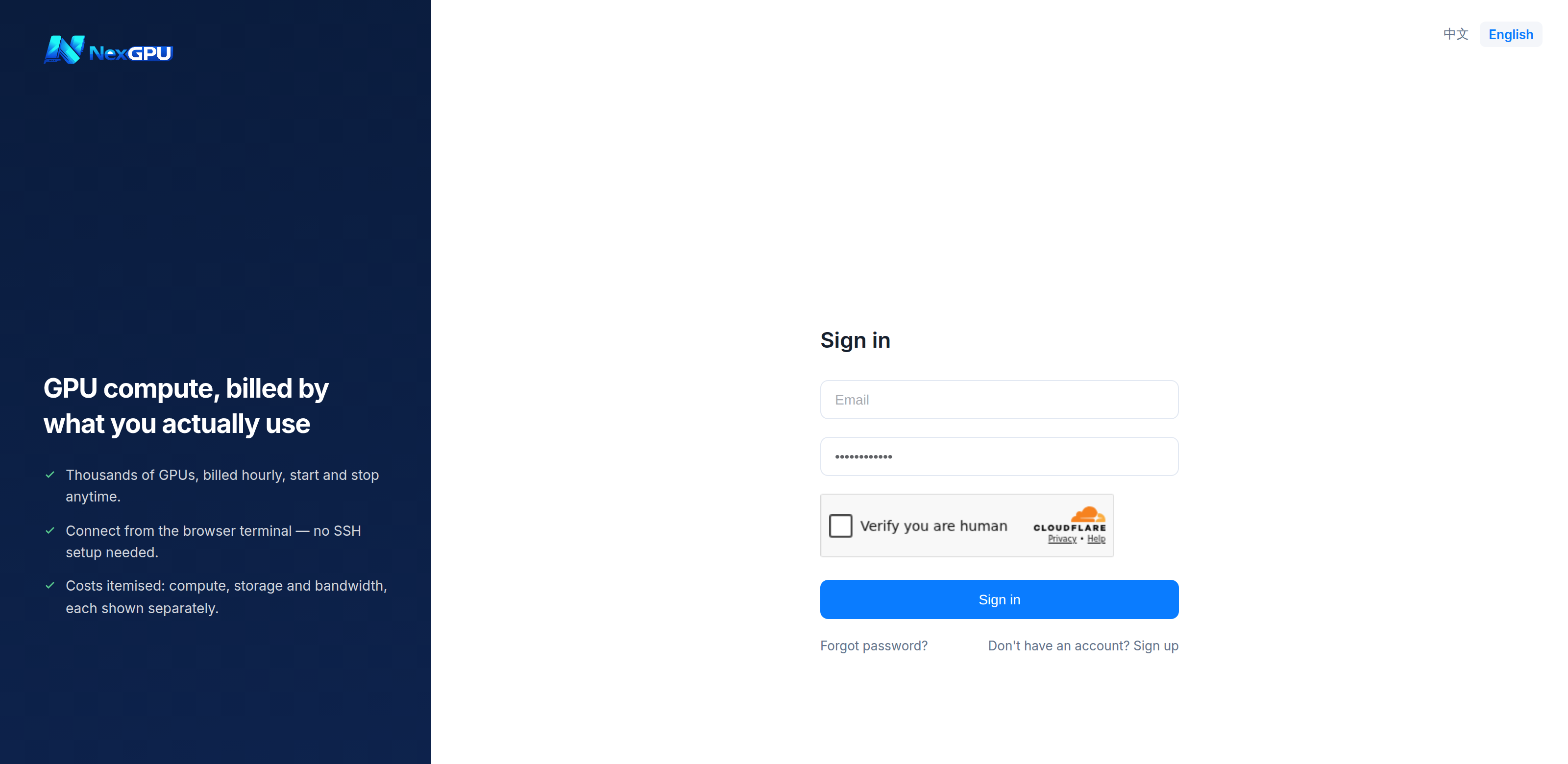
Email and password. Repeated failures trigger rate limiting; wait a moment and try again.
Forgotten password
Click "Forgot password?" on the sign-in page, enter your registered email, collect the code, and set a new password.
Language
The switcher sits at the top right. The language you chose on the website carries into the console, and your choice is remembered afterwards.
Account settings
"Account" at the bottom of the left menu lets you change your nickname, change your password and set a default SSH public key.
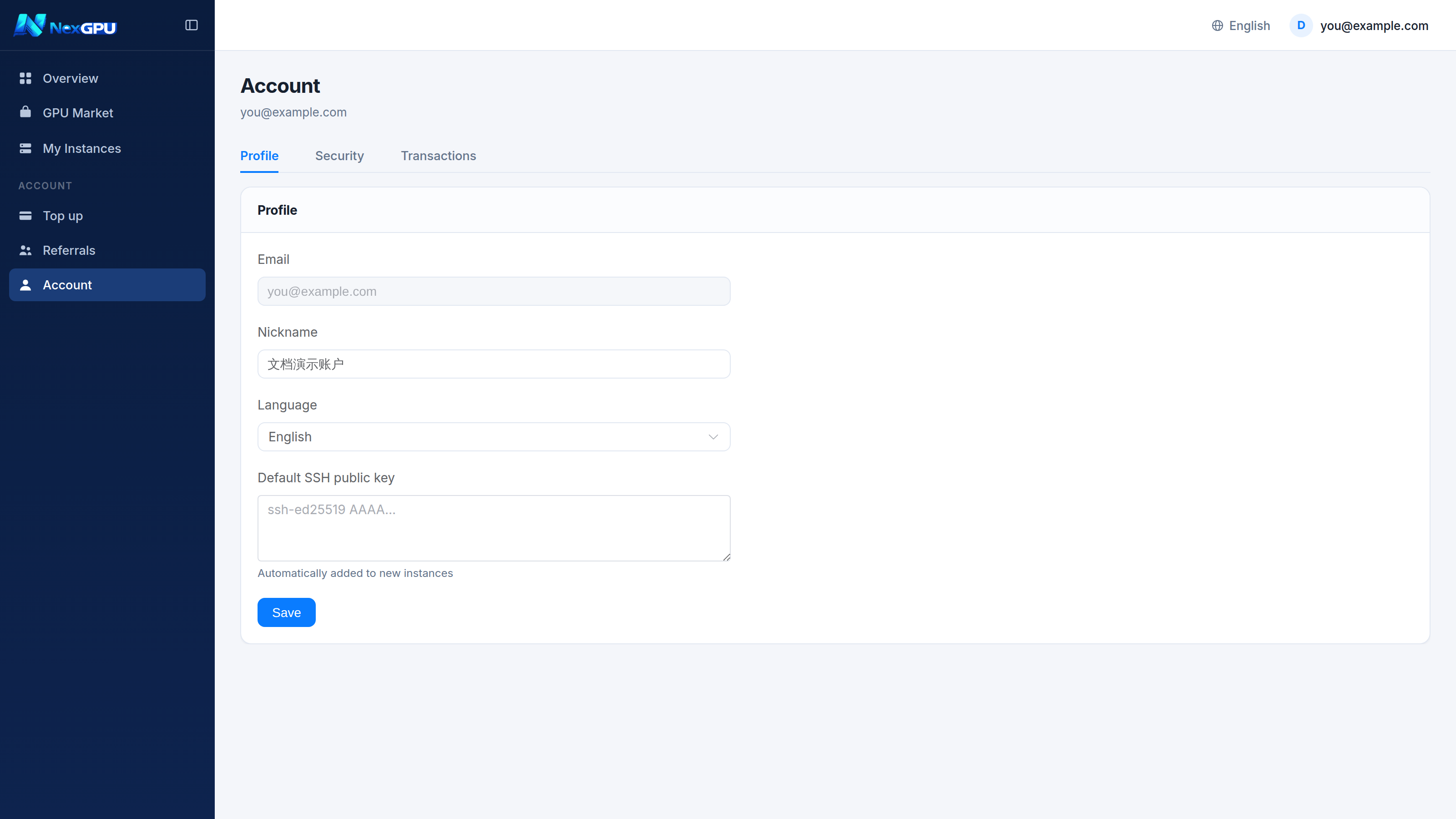
:::tip A default public key saves time Store your own SSH public key here and every new instance picks it up automatically — no need to download the platform-generated key each time. :::