NexGPU Documentation
NexGPU rents you a GPU server by the hour: pick a card, pick an environment, click confirm. One to three minutes later you have a terminal open in your browser. No hardware to buy, no drivers to configure, no approval to wait for.
This guide is ordered the way you will actually use the product, not by feature area. If you are stuck on one step, jump straight to it.
What using it looks like
| Step | What you do | How long |
|---|---|---|
| 1. Sign up and top up | Register with an email, add some balance | 2 min |
| 2. Pick a machine | Filter the GPU market by VRAM and price | 1 min |
| 3. Choose an image and boot | PyTorch, ComfyUI, Ollama and others are preinstalled | 1–3 min wait |
| 4. Connect | Web terminal opens in one click, or use SSH | instant |
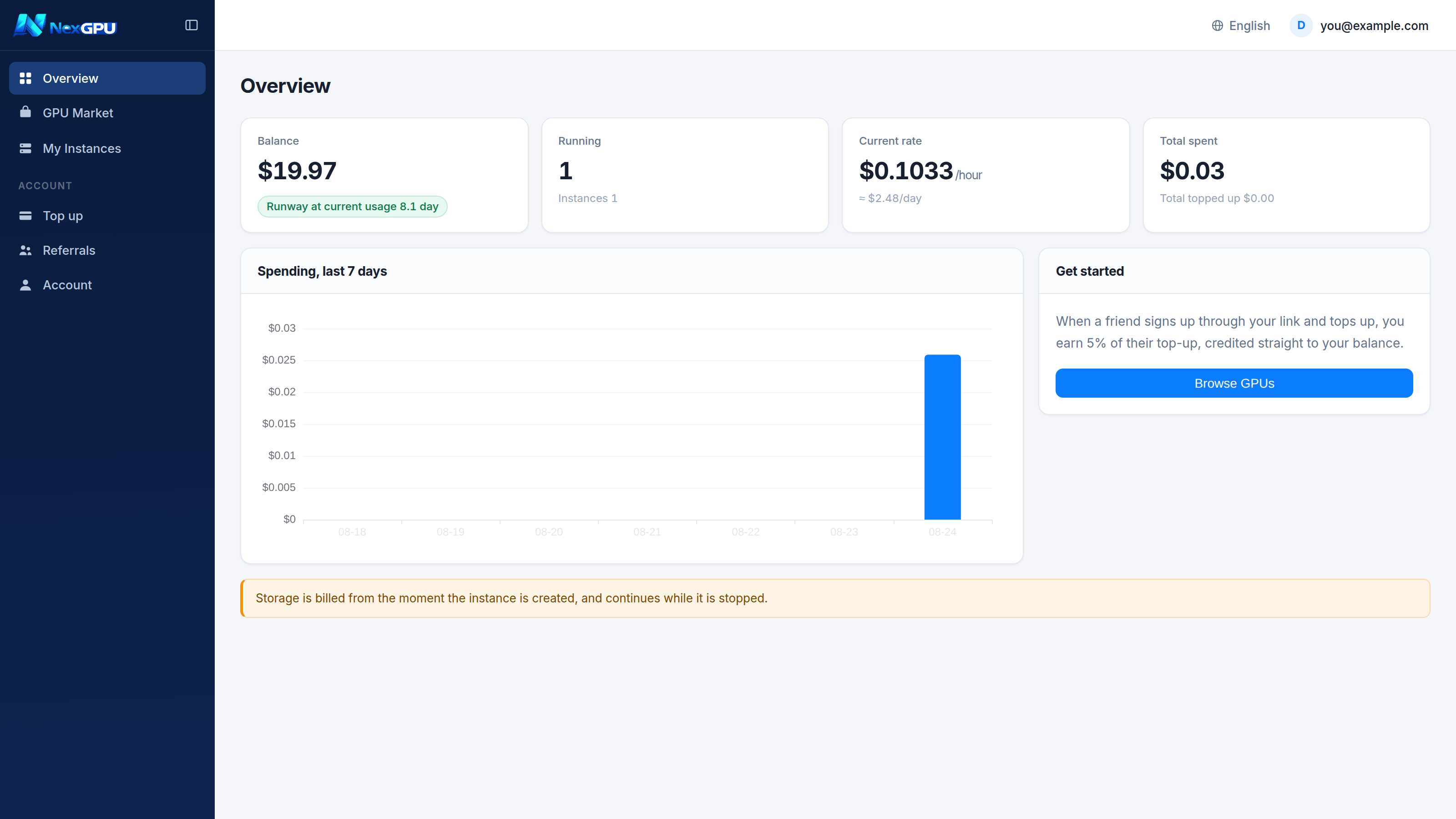
In a hurry? Go straight to Quick start.
Things worth knowing up front
:::warning Stopping an instance does not stop all charges A stopped instance keeps its disk, and disk keeps billing per GB-month. To stop paying entirely you must destroy the instance.
This is the most common billing surprise, which is why we state it on the pricing page, in the order drawer, on the instance list, and here. :::
:::danger Destroying is irreversible Destroying releases the disk immediately. The data is gone and we hold no backup. Download anything that matters first. :::
:::tip Metered per second, priced per hour Ninety minutes of runtime costs 1.5 hours, not 2. Compute charges start when the instance reaches running state and end when it is destroyed. :::
Cannot find the answer?
- FAQ — the questions asked most often before and after a first order
- Telegram — t.me/nextipkf, fastest response
- Email — [email protected], for anything that needs a record (contracts, invoices)